

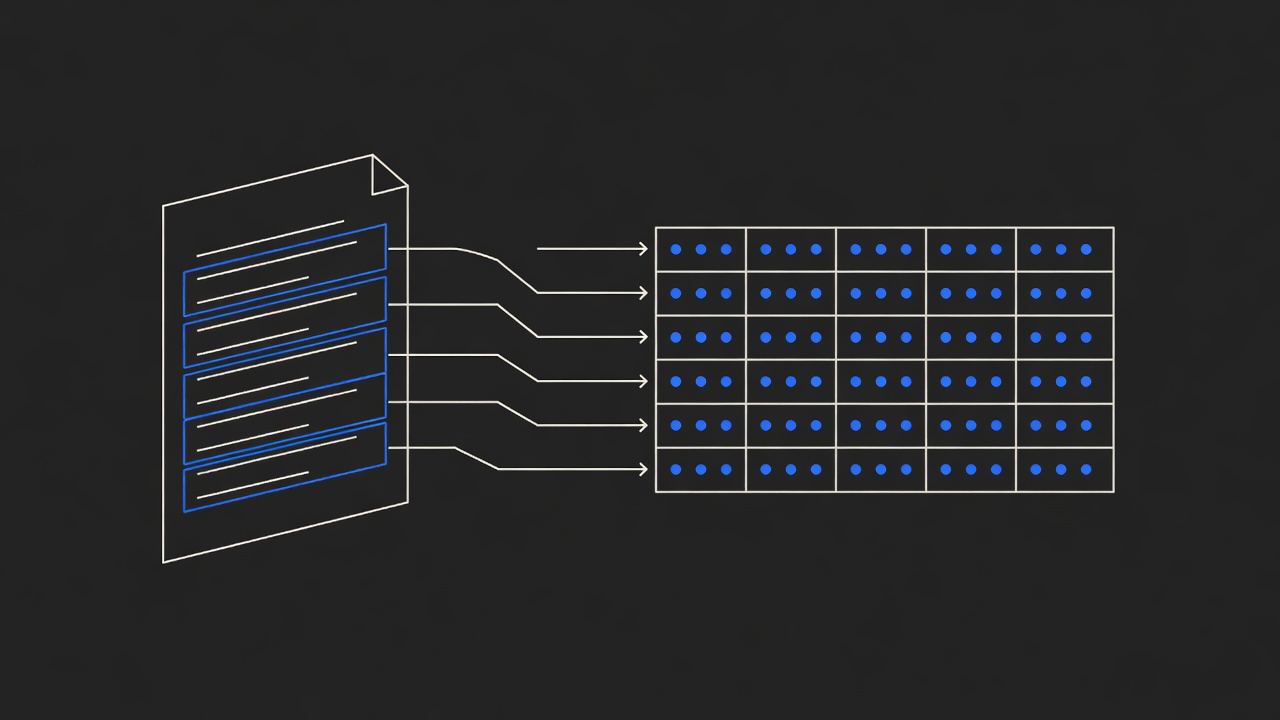
Every thread.
Resolved or not.
Point jtriage at a channel. It reads the last 30 days of threads, judges each one as resolved, answered, unresolved or not a request, sorts them into buckets, and writes the open action items into a folder on your machine. About $0.001 and 1.5 seconds for a 25-thread channel.
Code fetches. Jev judges. Code composes.
The platform API gives us the threads. Jev does not generate text; it answers four narrow questions about each thread with a probability for every option. Code turns those probabilities into counts, a checklist and files. Judgments are calibrated estimates, not measurements, and the report shows the confidence next to each one.
- statuschoiceWas what the root message asked for resolved within this thread?resolved · answered, unconfirmed · unresolved · no response needed
- bucketchoiceWhich bucket best describes what the root message is?bug · question · feature request · incident · access · decision · announcement · discussion · social
- severityscoreHow severe is it for the people involved?low · medium · high · critical
- follow-upnoulDoes someone still need to do something because of this thread?probability of yes
A simple tool. Nothing to leak.
jtriage has no accounts, no database and no shareable links. The browser asks for a folder with the File System Access API and writes five files into it: report.json, report.md, action-items.md, threads.md and HANDOFF.md. Point a coding agent at that folder and it has everything: the items in priority order, the full threads, the permalinks, and instructions for how to work them.
reports/
└── jtriage-slack-dev-platform-2026-09-24/
    ├── HANDOFF.md        how an agent should work the items
    ├── action-items.md   checklist grouped by bucket, most severe first
    ├── report.md         numbers, distributions, one row per thread
    ├── threads.md        every conversation, formatted
└── report.json the machine-readable reportQuestions.
- What does jtriage do?
- It reads every thread in a Slack, Discord or Teams channel for the last 30 days (or 7 to 90), asks Jev four questions about each thread, and turns the answers into a report: how many threads were resolved, which buckets the traffic falls into, and a checklist of open action items with a suggested owner and a link back to the thread.
- Where does the report go?
- Into a folder on your machine. In Chrome or Edge the page asks for a folder with the File System Access API and writes report.json, report.md, action-items.md, threads.md and HANDOFF.md there. Other browsers download the five files. The server keeps nothing.
- What happens to my token?
- The token is sent with the request so the server can call the chat platform's API on your behalf, then discarded. It is not logged, cached or stored, and the messages are not stored either. Use a read-only token with only the history and read scopes listed on the app page.
- How is resolved decided?
- Jev picks one of four statuses for each thread from the replies and reactions: resolved, answered but unconfirmed, unresolved, or no response needed. It also picks a bucket, a severity level and the probability that someone still has to act. Every answer comes with a probability per option, so you can see how sure it was.
- How does a coding agent use it?
- HANDOFF.md tells the agent what each file is and how to work through actionItems[] in report.json: read the thread, fix or answer, tick the item. The app also gives you a one-line prompt to paste into Claude Code, Codex or Cursor from the parent folder.
- What does it cost?
- Jev is priced per input token and output is free. The sample channel, 25 threads and 54 messages over 30 days, is about 25,000 input tokens: $0.0011 and 1.4 seconds in two calls. The same four judgments as one LLM call per thread would be 25 calls, about $0.08 and nine seconds at list prices, roughly 70 times the cost.